
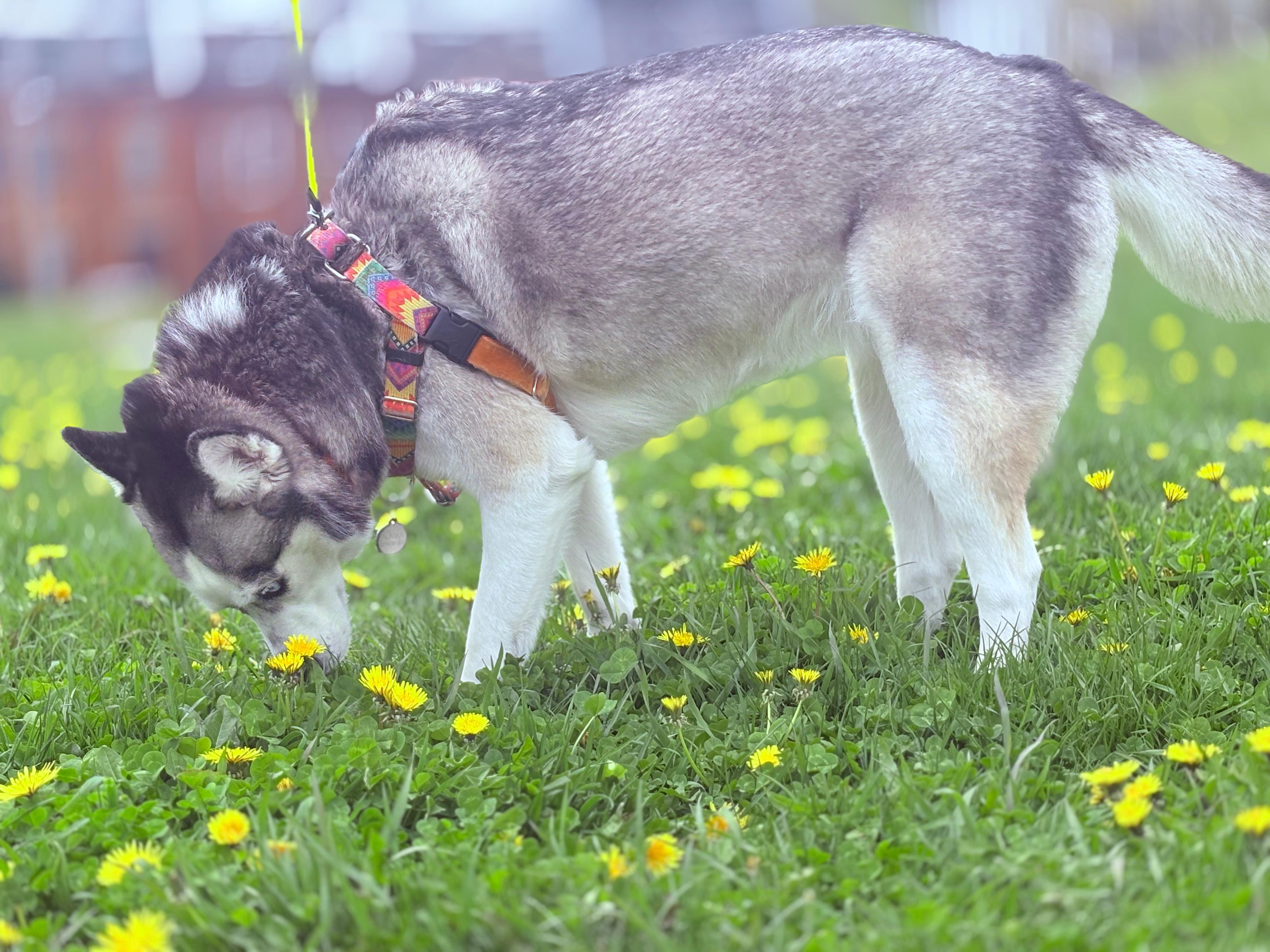
Saturday: Alaska stops to smell the flowers
You snap a few pictures on a walk. By evening they're on your home storage. Overnight they finish copying to your parent's and your sibling's. Nobody needs a zip file of the dog.
Private family storage
File Orbit helps families keep photos, videos, and important files in several places at once, and see that they're safe.
Linux detected: AppImage preferred
If it dies, gets stolen, or is wiped, everything on it can be gone.
Easy to forget to plug in, easy to lose, easy to put in the wrong drawer.
Convenient, but your whole history lives behind one account and one company's rules.
Folders on phones, email attachments, and old USB sticks get messy fast.
Sign in with the account you already have
You pick your safe places
You can add an extra safety net
You add and share files normally
You see status, not guesswork
Optional File Orbit Cloud safety copies help when houses are far apart or the link between homes is fussy. At launch, the live operated node is in North America; more regions are planned. Your home copies remain yours.
Live File Orbit Cloud safety copies in North America.
Coming soon: regional safety copies for relatives across borders.
Coming soon: extra resilience when home-to-home links are slow.
Coming soon: optional layer when homes are continents apart.
You snap a few pictures on a walk. By evening they're on your home storage. Overnight they finish copying to your parent's and your sibling's. Nobody needs a zip file of the dog.
The app shows that place as needs attention, not everything is lost. You still open files from your house and your sibling's. You fix or replace the box when someone has time.
You share a reunion album. Each sibling sees only that album in their own space. Nobody gets access to your tax folder unless you share it.
| Usual cloud photo app | File Orbit | |
|---|---|---|
| Where files live | Mostly on their servers | In your homes you control, plus optional extra copies |
| If the company changes rules | You adapt | Your copies still sit in places you chose |
| If one home has a fire or dead drive | Often we lost the local copy | Other homes still have it |
| Who can see everything | Whoever has the one account | Only people and places you invited |
| Sign-in | Another email and password | Your existing Bluesky, Tangled, or AT Protocol handle |
| Your existing login | File Orbit login | |
|---|---|---|
| Monthly cost | No File Orbit identity fee | Once ($99 one-time) or base ($5/mo) |
| Who runs sign-in | Bluesky, Tangled, or your host | File Orbit at pds.fileorbit.cloud |
| Reliability | Depends on your provider's uptime and recovery | Operated File Orbit login you can rely on |
| Support and continuity | Limited: upstream issues are yours | Operator support, CAR export, migration runbooks |
| Safety-net cloud copies | Optional add-on after you have an account | Base 25 GB + prepaid packs |
Operated File Orbit login: one-time purchase, no subscription required for identity.
Requires a File Orbit account (sign up or sign in), then Checkout.
File Orbit Cloud copies in more than one region. Start with 25 GB, then prepaid packs for docs, family libraries, and larger archives. Home copies remain yours.
Requires a File Orbit account (sign up or sign in), then Checkout.
Your copies live in homes you trust and stay in sync across them. Even trusted homes only see what you share, like an album or a folder, not your whole library.
Copies move only between places you set up or people you invited. Your files stay in sync across those homes.
Trusted homes share storage, but not your whole library. Share an album or a folder. Nobody at another house sees everything unless you choose it.
Random people on the internet cannot browse your family library. Extended family sees only what was shared with them.
On our hosted PDS, cloud.substratum.* metadata requires your sign-in to read: not anonymous browsing. Your existing login stays on your provider's rules.
Those keep your stuff mainly on their machines. File Orbit is built so your copies live in homes you trust, with optional extra copies for safety. Not one basket.
No. Only folders or albums you share.
Homes can still sync over the internet. Optional File Orbit safety copies help when home-to-home copying is slow or interrupted.
One person sets up each home once. Everyone else uses familiar ideas: folders, albums, share with family.
Read the getting started guide for household helpers, or dive into the technical specification.